
AI Tools That Can Save You Hours Every Week in2026
Discover five practical ways to use AI tools to save time on writing, summarizing, design, planning, and learning. Get simple tips to boost…

Protect your business from cyber threats with six practical cybersecurity best practices covering passwords, phishing, updates, backups, access control, and network security.
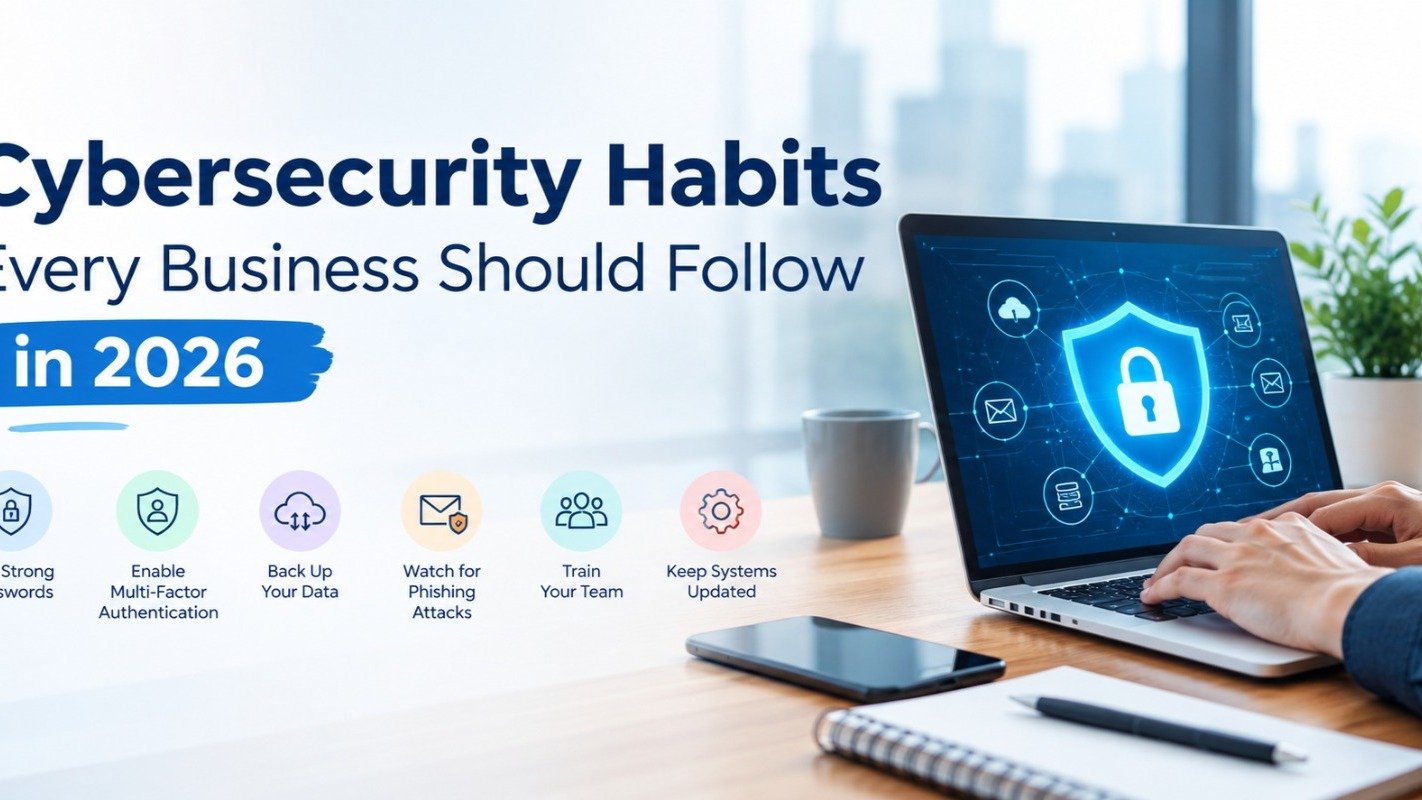
Cyber attacks are no longer a problem only for big corporations. Small and mid-sized businesses are now among the most common targets, because attackers know their defences are often weaker. A single phishing email or weak password can lead to data loss, downtime, and damaged customer trust. The good news is that many common cyber risks can be reduced with consistent security practices. This is more measured and avoids promising complete prevention.
1. Use Strong Passwords and Multi-Factor Authentication
Weak and reused passwords are still the easiest way into a system.
Use long, unique passwords for every account
Store them in a trusted password manager
Turn on multi-factor authentication (MFA) wherever possible
MFA adds a second layer of protection, so even a stolen password is not enough to get in.
2. Train Your Team to Recognize Phishing Attacks
Most breaches start with a human click, not a technical flaw. Phishing emails now look more convincing than ever, and AI tools have made them easier to write.
Teach your team to:
Check the sender’s real email address
Avoid clicking unexpected links or attachments
Report suspicious messages immediately
Regular short awareness sessions work better than one long annual training.
3 Keep Software and Systems Updated
Updates are not just new features. They often fix security holes that attackers actively exploit. Enable automatic updates for operating systems, browsers, and business software, and remove tools that are no longer supported.
4. Back Up Your Business Data Regularly
If ransomware locks your files, a good backup can save your business.
Follow the 3-2-1 rule: three copies of your data, on two different types of storage, with one copy kept offsite or in the cloud
Test your backups regularly to be sure they actually restore
5. Control Employee Access to Business Data
Not everyone needs access to everything. Give employees only the access they need for their role, and remove access immediately when someone leaves the company. This limits the damage if one account is ever compromised.
6. Secure Your Business Network and Devices
Use a firewall and reliable endpoint protection
Secure Wi-Fi with strong encryption and a strong password
Use a VPN for remote work
Set up device encryption and remote wipe for laptops and phones
With more people working remotely, every personal device connected to company data is part of your security perimeter.
Quick Cybersecurity Checklist for Businesses
Strong, unique passwords and MFA enabled
Team trained on phishing
Automatic updates turned on
Backups tested regularly
Access limited by role
Network and devices secured
Final Thoughts
Cybersecurity is not a one-time project. It is an ongoing habit that protects your data, your customers, and your reputation. Start with one or two steps from this list, and build a stronger defence over time.
Not sure where your business stands? A professional security assessment can help you find the gaps before attackers do
Keep reading

Discover five practical ways to use AI tools to save time on writing, summarizing, design, planning, and learning. Get simple tips to boost…
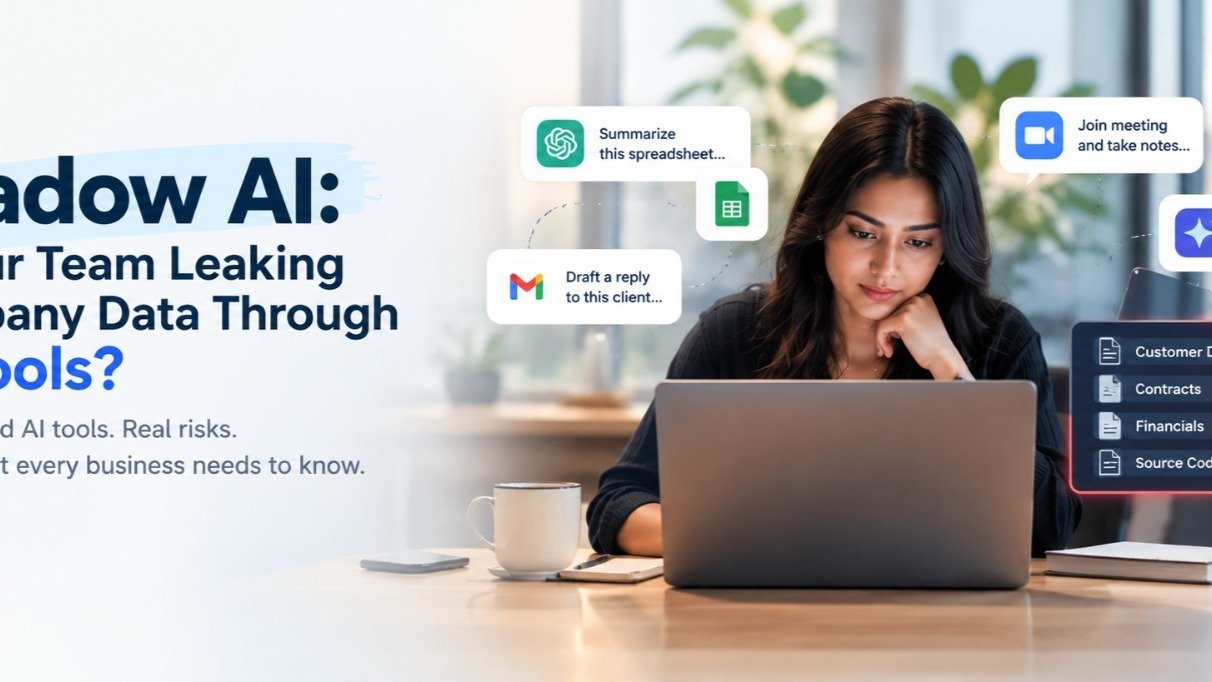
Employees are increasingly using AI tools to boost productivity—but without proper oversight, they could be exposing sensitive company data…
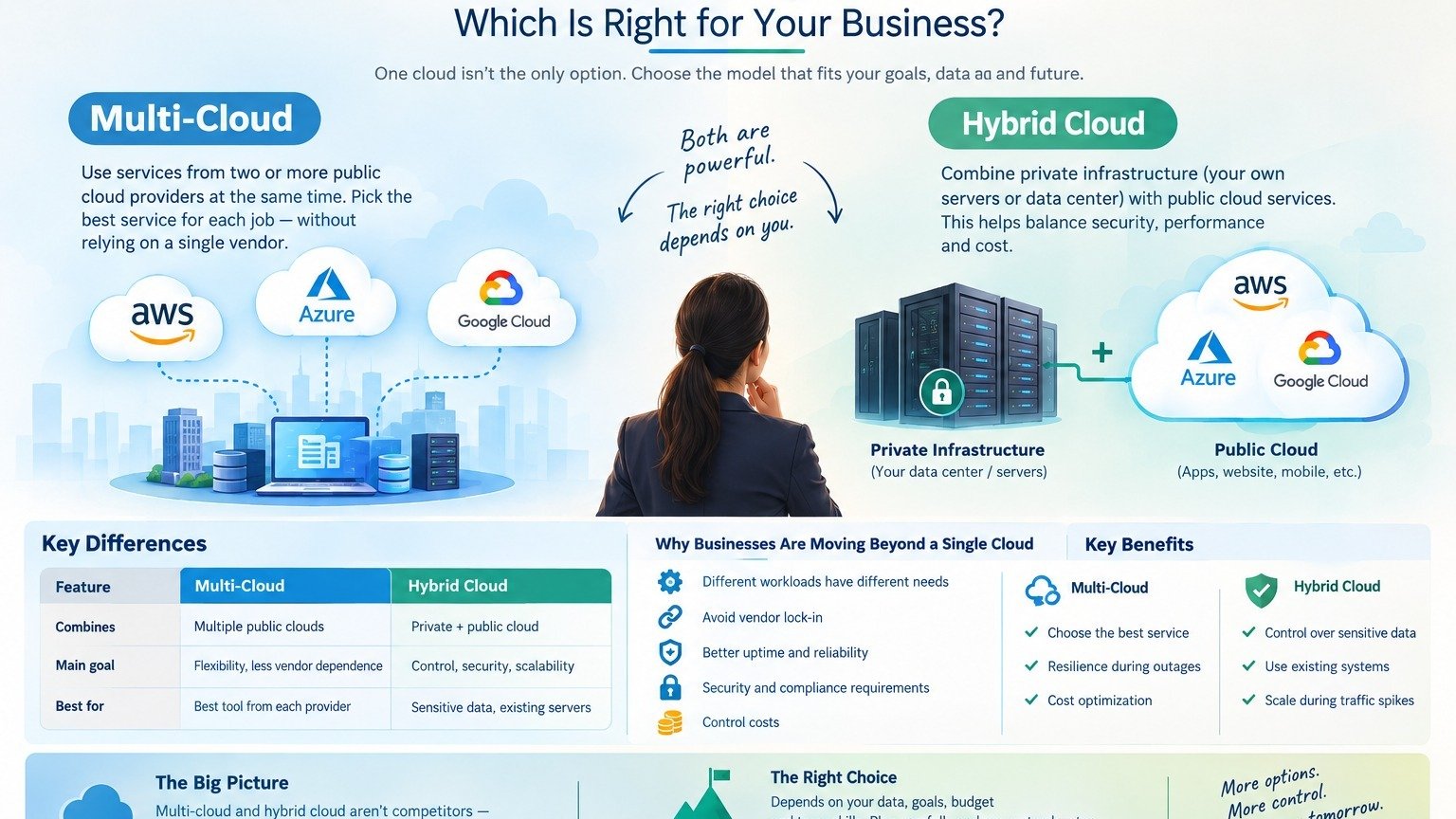
Multi-Cloud vs. Hybrid Cloud: Which Is Right for Your Business
Our team can help you put these ideas to work — from AI creatives to the systems behind them.