
Holiday Season Cyber Threats: 6 Ways Businesses Can Stay Protected
Protect your business from holiday season cyber threats with 6 practical tips to secure websites, online payments, employee accounts, and customer…

Discover how businesses can adopt passwordless login using passkeys. Follow 7 practical steps to improve security, simplify authentication and protect user accounts.

Passwords have long been the standard way to access websites, applications and business systems. However, they are often difficult to remember, easy to reuse and vulnerable to phishing attacks, credential theft and data breaches.
As businesses become increasingly digital, traditional password-based authentication is becoming a growing security concern.
Passwordless authentication using passkeys offers a more secure and convenient way to sign in. Instead of entering a password, users can authenticate using their fingerprint, facial recognition or device screen lock.
Passkeys are also gaining widespread adoption. According to the FIDO Alliance, an estimated 7 billion passkeys were in use worldwide as of October 2026. This reflects the growing shift towards simpler and more secure authentication methods.
For businesses, adopting passkeys can help strengthen account security, reduce password-related support requests and improve the overall login experience.
Here is a practical seven-step guide to help businesses move towards passwordless login.
Before adopting passkeys, businesses should understand how this authentication method works.
A passkey replaces the traditional password with a cryptographic digital credential associated with a user's device or password manager.
When a user signs in, the device verifies their identity through a fingerprint, facial recognition or screen lock. The authentication process uses cryptographic keys instead of sending a password across the internet.
This provides several security advantages:
Passkeys cannot be reused across different websites.
They are designed to resist phishing attacks.
Users do not need to remember or type passwords.
The private key remains protected by the user's device or credential manager.
Understanding these benefits helps businesses evaluate where passkeys can improve their existing login systems.
Not every business system needs to adopt passkeys at the same time.
Start by identifying all the platforms where employees, customers and administrators use passwords.
Common examples include:
Employee email accounts
Admin dashboards and management panels
Customer websites and mobile applications
Cloud platforms and business software
Financial and payment management systems
Internal company portals
Prioritise accounts that contain sensitive information or provide access to critical business operations.
Administrator accounts, financial systems and cloud infrastructure should receive particular attention because compromised credentials in these areas can create significant business risks.
Moving an entire organisation to passwordless authentication at once can create unnecessary complexity.
Instead, begin with a small pilot involving one internal team, customer application or selected group of users.
During the pilot, evaluate:
How easily users can register passkeys
Whether login works consistently across supported devices
How quickly users can complete authentication
The number of login-related support requests
Whether any compatibility issues occur
A pilot helps identify practical challenges before expanding the implementation across the organisation.
The FIDO Passkey Index 2026 reported that all eight participating organisations measuring phishing outcomes experienced fewer successful phishing attacks after deploying passkeys.
This provides a useful indication of the potential security benefits of passkey adoption.
Businesses may not be able to eliminate passwords immediately because some applications, devices and third-party platforms may not support passkeys.
During the transition, maintain appropriate alternative authentication methods.
Consider the following:
Retain multi-factor authentication (MFA) where passkeys are not yet supported.
Review existing authentication methods for security weaknesses.
Avoid relying on easily compromised recovery methods.
Gradually reduce dependence on passwords and other phishing-prone methods.
Establish clear authentication policies for employees and customers.
The objective should be to move towards stronger authentication without disrupting essential business operations.
Account recovery is an important part of any passwordless authentication system.
Users may lose their phones, replace devices or lose access to their registered credentials. Businesses must ensure that these situations do not result in account lockouts or create security vulnerabilities.
A reliable recovery process should include:
Allowing users to register multiple trusted devices where supported.
Providing secure identity verification before restoring access.
Establishing clear procedures for lost or replaced devices.
Monitoring unusual account recovery activities.
Applying additional verification for sensitive accounts.
Remember that account recovery must be as secure as the login process itself. A weak recovery mechanism can undermine the protection provided by passkeys.
Technology adoption becomes easier when users understand the benefits and can complete the setup without difficulty.
Businesses should make passkey registration straightforward for both employees and customers.
Some practical approaches include:
Displaying clear passkey registration instructions.
Using simple prompts such as "Sign in with your fingerprint".
Offering passkey setup after a successful login.
Providing short setup guides for different devices.
Making support available during the initial rollout.
A simple and familiar experience encourages users to adopt passkeys and reduces the need for repeated technical assistance.
Successful passkey adoption requires more than technical implementation. Employees must understand how the system works and how it improves business security.
Provide training on:
Registering and using passkeys
Signing in from different devices
Handling lost or replaced devices
Identifying suspicious login and recovery requests
Following company authentication policies
Businesses should also monitor key performance indicators (KPIs) to measure the effectiveness of the rollout.
Useful metrics include:
Number of users registered with passkeys
Percentage of successful passkey logins
Login failure rates
Password reset and support requests
Authentication-related security incidents
User adoption and satisfaction levels
Review these results regularly and expand the implementation once the initial rollout demonstrates consistent performance.
Use this checklist to assess your organisation's readiness for passwordless authentication.
Understand how passkeys work.
Identify high-risk login points.
Select one application or team for a pilot.
Maintain appropriate MFA and fallback methods.
Establish a secure account recovery process.
Make passkey registration simple for users.
Train employees on passwordless authentication.
Monitor adoption, login performance and security results.
Moving to passwordless authentication is not an overnight process. However, passkeys provide businesses with an opportunity to improve security while making the login experience faster and more convenient.
The FIDO Passkey Index 2026 also highlights the growing interest in passwordless accounts, with nine of the thirteen participating organisations reporting plans to introduce them within the following 12 months.
Businesses should begin by identifying high-risk login systems, testing passkeys with a small user group and establishing secure account recovery procedures.
Start small, make authentication simple and build a more secure digital experience step by step.
Keep reading

Protect your business from holiday season cyber threats with 6 practical tips to secure websites, online payments, employee accounts, and customer…
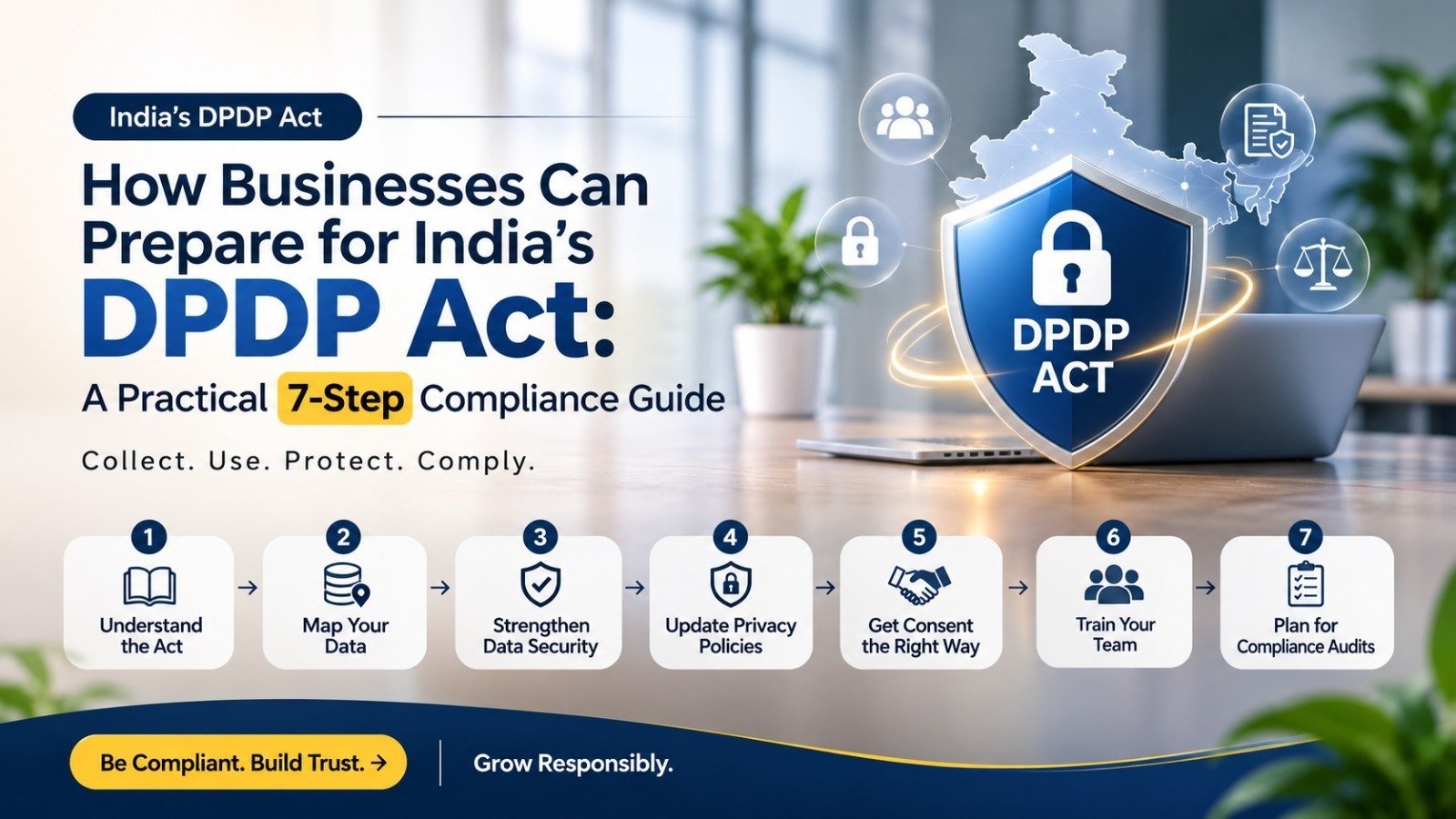
Learn how Indian businesses can prepare for DPDP Act compliance with 7 practical steps covering consent, data security, user rights and privacy…

Discover today's Indian stock market trends, top-performing sectors, market outlook, and key investment insights driving Nifty and Sensex in 2026.
Our team can help you put these ideas to work — from AI creatives to the systems behind them.