
The Future of SEO in the Age of AI Search: How Businesses Can Stay Visible in 2026
AI-powered search is reshaping the future of SEO. Learn how businesses can adapt with high-quality content, topical authority, structured data, and…

Learn how to modernise legacy software with this 7-step guide. Improve security, reduce maintenance costs, and upgrade your business systems.

Many businesses still rely on software built ten or fifteen years ago. While these systems may continue to function, they can become slow, expensive to maintain, difficult to update, and incompatible with modern technologies such as cloud platforms, mobile applications, and artificial intelligence (AI).
Outdated software can also create security risks, especially when the technology no longer receives regular updates or security patches.
Legacy software modernisation helps businesses overcome these challenges by upgrading existing systems, improving performance, and making applications more secure and flexible. It does not always mean replacing everything or starting from scratch.
Here is a practical seven-step guide to help businesses modernise legacy software effectively.
Before planning any changes, understand whether your existing software needs modernisation.
Some common warning signs include:
Frequent system crashes and technical issues.
Slow performance and long processing times.
Difficulty adding new features or making changes.
Increasing maintenance and support costs.
Compatibility issues with modern applications and tools.
Limited security updates and outdated technology.
Difficulty finding developers who understand the existing system.
If your team finds it difficult to maintain or improve the software, it may be time to consider legacy software modernisation.
Once you identify the problems, review all the software applications currently used in your business.
Create an inventory of your applications, databases, integrations, and supporting technologies. Evaluate each system based on its business importance, maintenance costs, technical condition, and security requirements.
Consider the following questions:
Which applications are essential for daily business operations?
Which systems have the highest maintenance costs?
Are there duplicate applications performing similar tasks?
Which systems have integration or security limitations?
Which applications need immediate attention?
This assessment helps you identify which systems should be modernised first and which can continue operating without major changes.
A successful modernisation project should begin with clear business objectives.
Decide what you want to achieve before selecting a technology or implementation approach.
Your goals may include:
Reducing software maintenance and infrastructure costs.
Improving application performance and reliability.
Strengthening data security.
Making systems compatible with cloud platforms.
Integrating mobile applications and third-party tools.
Supporting business growth and future scalability.
Improving the overall user experience.
Clear objectives help businesses select the right modernisation strategy and measure the results after implementation.
There are several approaches to modernising legacy applications. The right option depends on your existing system, business requirements, budget, technical limitations, and acceptable level of risk.
Common modernisation approaches include:
Rehosting: Moving an existing application to cloud infrastructure without making significant changes to its code.
Refactoring: Improving the existing code to make the application easier to maintain, more efficient, and better organised while retaining its core functionality.
Replatforming: Moving an application to a modern platform with limited changes to improve performance and compatibility.
Rebuilding: Developing the application again using modern technologies while retaining the required business functionality.
Replacement: Replacing the existing system with a new software product that better meets current business requirements.
For example, a business with an outdated accounting system may choose to migrate it to the cloud, while another business may need to rebuild its application to support new features and integrations.
The best approach should balance cost, business continuity, security, and long-term requirements.
Modernising an entire software system at once can be expensive and risky, especially when the application supports critical business operations.
A phased approach allows businesses to upgrade individual modules or features while keeping existing operations running.
For example, a business using an old inventory management system could modernise it in stages:
First, upgrade the database and infrastructure.
Next, improve the application interface.
Then, introduce cloud-based data access.
Finally, integrate the system with mobile applications and other business tools.
This approach helps identify technical issues early, reduces disruption, and allows teams to evaluate the benefits of each phase before moving forward.
Data protection should be a priority throughout the legacy software modernisation process.
Before making major changes, create secure backups of existing databases, application files, and important business information.
After implementation, conduct thorough testing to ensure that the updated system works as expected.
Important activities include:
Backing up existing data before migration.
Validating data accuracy after migration.
Performing functional and performance testing.
Checking system security and access permissions.
Testing integrations with other applications.
Conducting user acceptance testing before launch.
These steps help prevent data loss, identify technical problems, and ensure that the modernised application meets business requirements.
Technology upgrades alone do not guarantee successful modernisation. Employees must understand how to use the updated systems effectively.
Provide appropriate training, user documentation, and technical support to help employees adapt to the changes.
After implementation:
Collect feedback from employees and users.
Monitor application performance.
Review security updates regularly.
Identify areas that require further improvement.
Plan ongoing maintenance and technology upgrades.
Continuous improvement helps businesses keep their software secure, reliable, and aligned with changing business needs.
Modernising outdated software can provide several long-term business benefits.
Improved Security: Updated technologies and security practices help reduce vulnerabilities and protect business information.
Lower Maintenance Costs: Modern applications can be easier to maintain, reducing the effort and expense involved in supporting outdated systems.
Better Performance: Improved infrastructure and application architecture can help systems process information more efficiently.
Easier Integration: Modernised software can connect more easily with cloud platforms, mobile applications, APIs, and other business tools.
Greater Scalability: Modern applications can better support increasing users, data volumes, and changing business requirements.
Improved User Experience: Updated interfaces and workflows can make applications easier for employees and customers to use.
Use this checklist to prepare your business for a software modernisation project:
☐ Identify outdated and high-risk software systems.
☐ Audit applications, databases, and integrations.
☐ Define clear business and technical objectives.
☐ Select the appropriate modernisation strategy.
☐ Plan implementation in manageable phases.
☐ Back up data and perform thorough testing.
☐ Train employees and collect user feedback.
☐ Monitor performance and plan regular updates.
Legacy software does not have to hold your business back. With the right modernisation strategy, businesses can improve existing systems, reduce maintenance challenges, strengthen security, and prepare for future technology requirements.
The key is to start with clear business goals, prioritise the systems that need attention, and implement changes in manageable phases.
Rather than replacing everything at once, begin with the application or module causing the most problems, evaluate the results, and gradually modernise the rest of your technology infrastructure.
A well-planned legacy software modernisation strategy can help your business build a more secure, flexible, and future-ready digital environment.
Keep reading
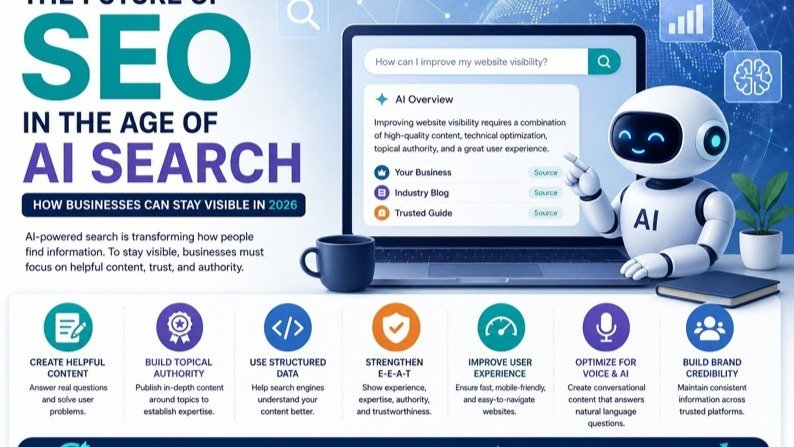
AI-powered search is reshaping the future of SEO. Learn how businesses can adapt with high-quality content, topical authority, structured data, and…

Community marketing is transforming how brands connect with customers. Instead of relying solely on traditional advertising, businesses are building…
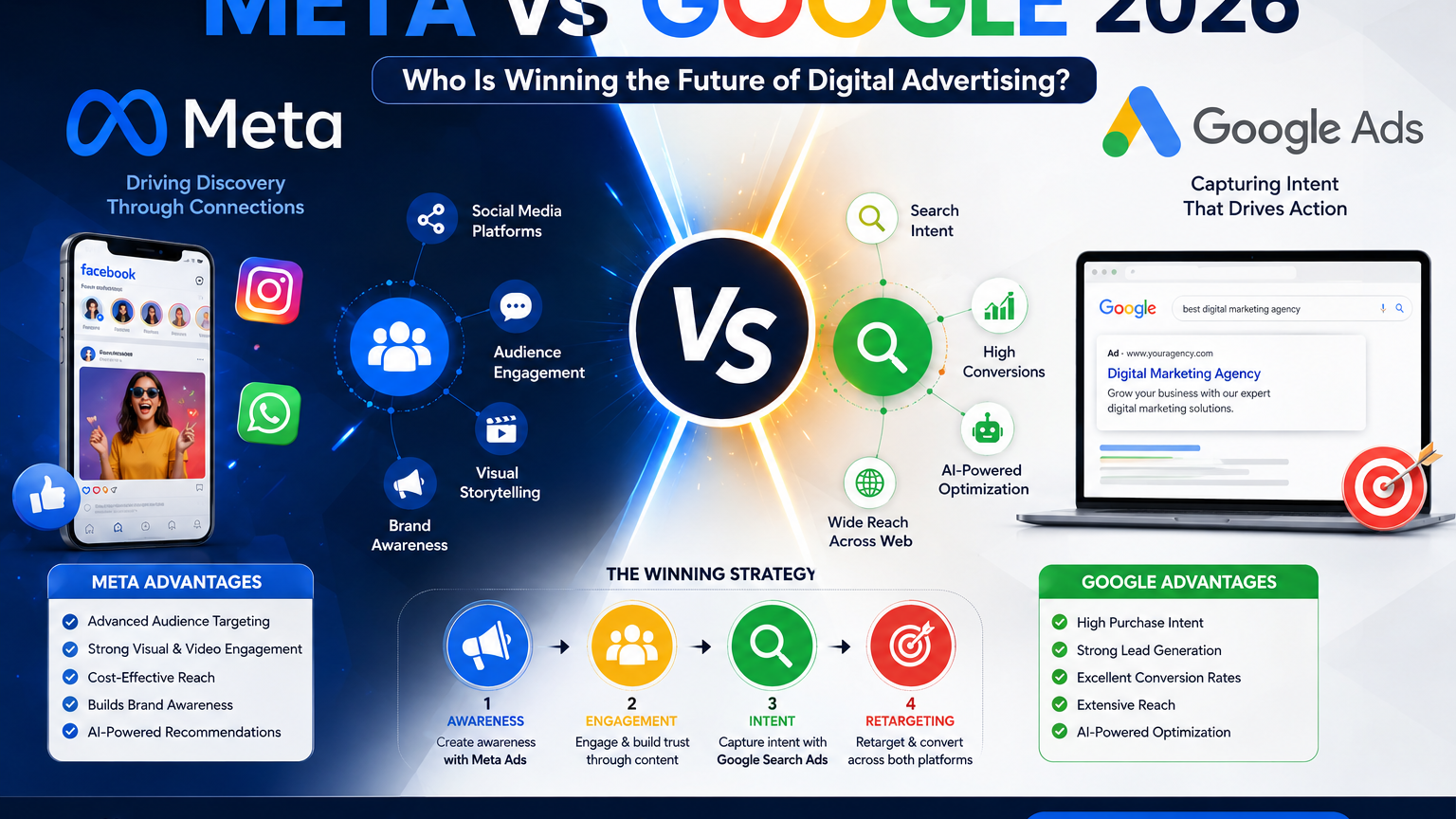
Explore the battle between Meta and Google in 2026. Learn how AI, digital advertising, Google Ads, and Meta Ads are shaping the future of marketing…
Our team can help you put these ideas to work — from AI creatives to the systems behind them.