
How Businesses Can Launch Better Mobile Apps: A Practical 7-Step Quality Guide
Learn how businesses can build and launch high-quality mobile apps with this practical 7-step guide covering app design, performance, security…

Discover how businesses can use low-code and no-code platforms effectively with this 7-step guide covering platform selection, automation, security, testing and scalability.
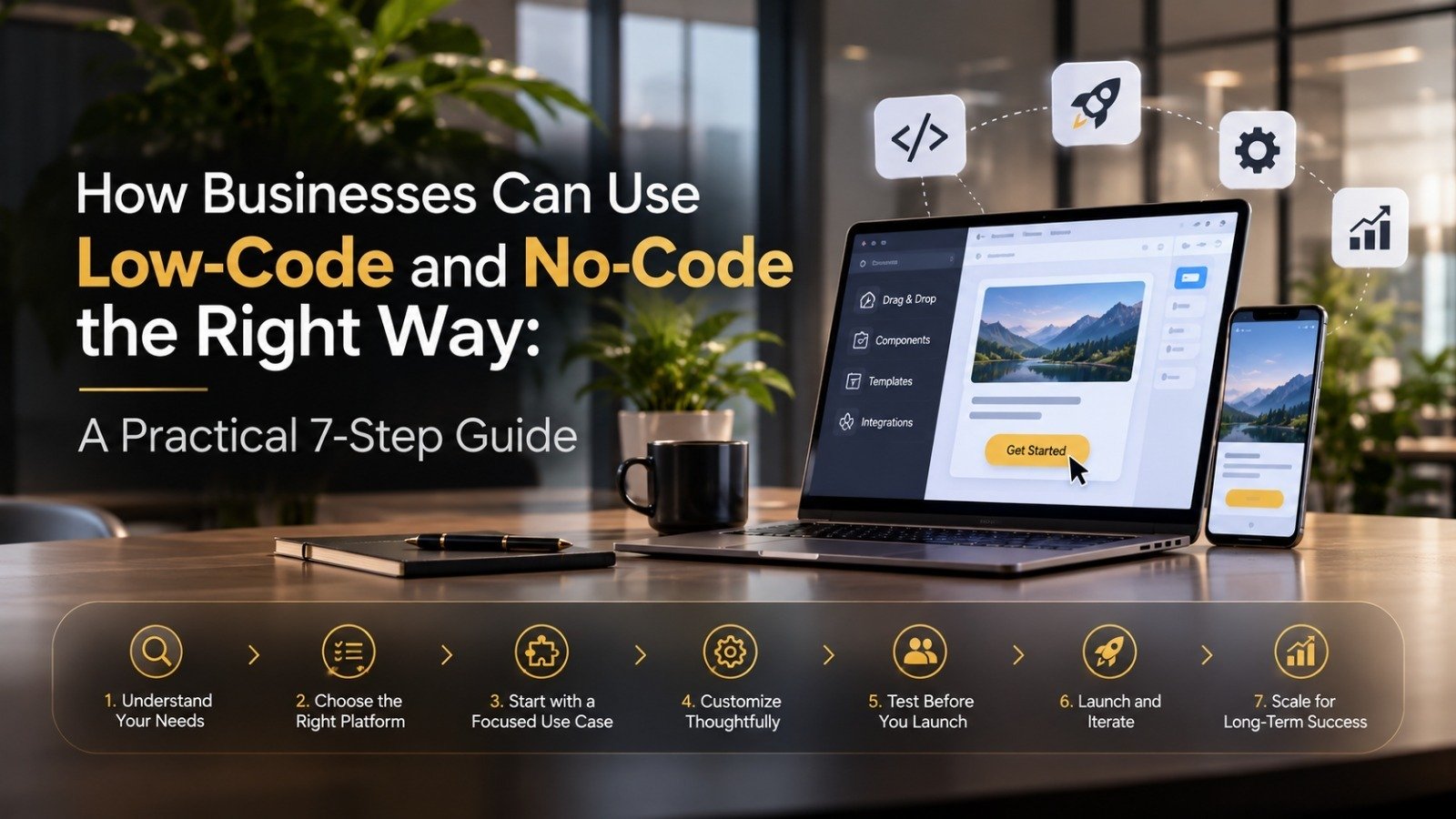
Every business has ideas for new apps and workflows, but development teams are often busy for months ahead. Low-code and no-code platforms let teams build simple apps, forms and automations using visual tools instead of writing everything from scratch. Used well, they save time and cost. Used carelessly, they create messy, insecure systems. Here is a simple 7-step guide.
1. Understand Low-Code vs No-Code
No-code tools let non-technical people build apps using drag-and-drop screens. Low-code tools do the same but allow developers to add custom code when needed. Choose based on who will build and how complex the solution is.
2. Pick the Right Problem to Start With
Good first projects are internal and simple, such as approval forms, leave requests, inventory trackers, customer feedback forms and basic dashboards. Avoid core, high-risk systems in the beginning.
3. Choose a Platform That Fits Your Needs
Compare platforms on ease of use, integrations with your existing tools, security features, pricing as your users grow, and whether you can export your data later. Switching platforms is harder than it looks.
4. Involve IT From Day One
When business teams build tools without IT knowing, “shadow IT” appears: unmanaged apps holding company data. Let business teams build, but keep IT in charge of access rules, approvals and security reviews.
5. Protect Your Data and Access
Set user roles carefully so people see only what they need. Check where data is stored, enable multi-factor authentication, and avoid putting sensitive customer or financial data in apps that have not been reviewed.
6. Test Before You Roll Out
A quick-built app still needs testing. Check forms, calculations, permissions and integrations with real sample data, and ask a few users to try it before the whole team depends on it.
7. Know When to Move to Custom Development
Low-code works well for simple and medium needs. When an app becomes critical, needs heavy performance, or has complex logic, plan a move to custom-built software with professional developers.
Low-Code / No-Code Checklist
Choose a simple, low-risk first project
Compare platforms before committing
Keep IT involved in approvals and security
Set role-based access to data
Test with real data and real users
Document who owns each app
Plan for custom development when needed
Final Thoughts: Speed Is Useful, Control Is Essential
Low-code and no-code can help teams solve everyday problems in days instead of months. But speed without structure leads to scattered tools and security gaps. Start small, keep IT involved, protect your data, and scale only what proves its value.
Keep reading
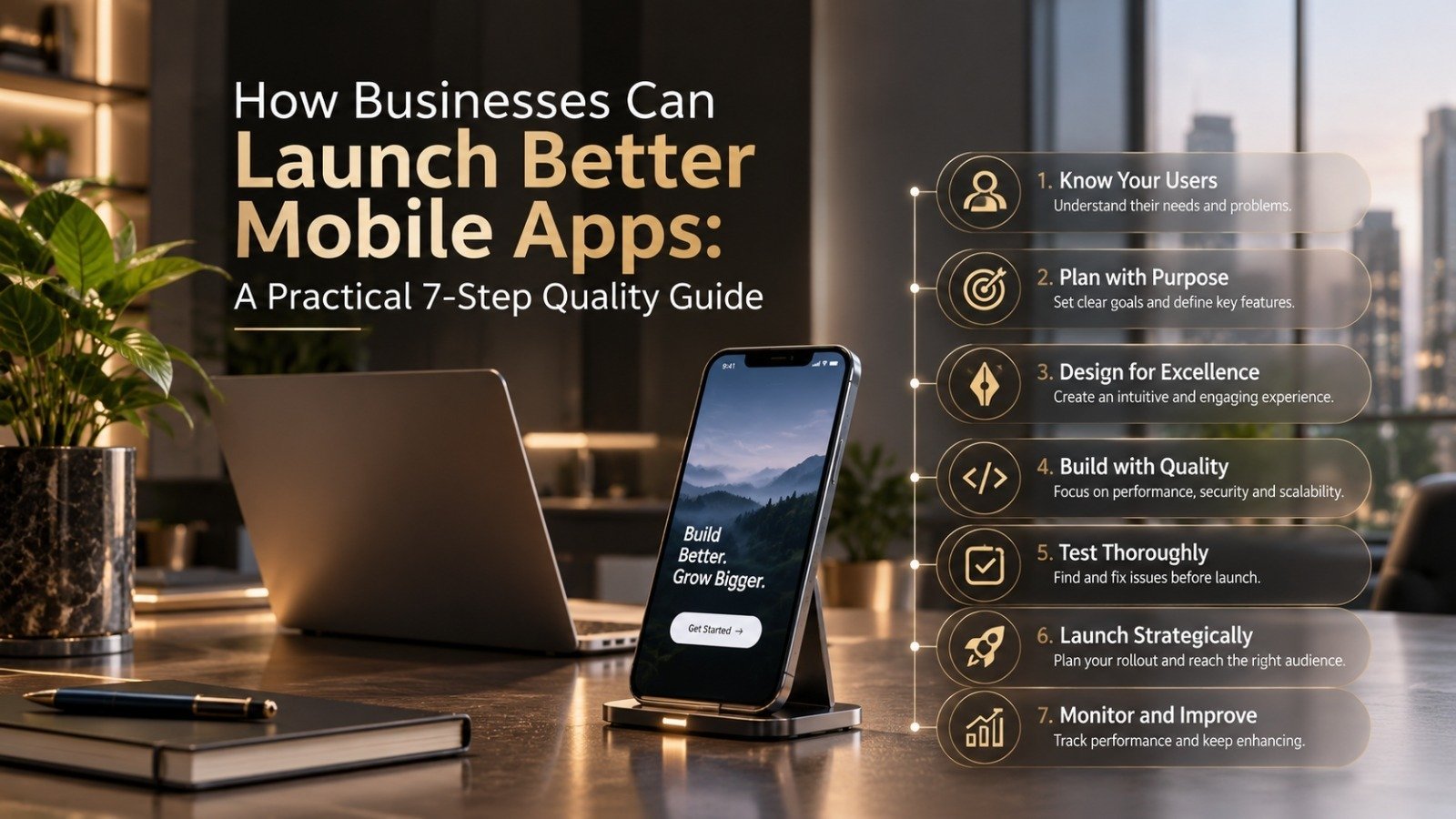
Learn how businesses can build and launch high-quality mobile apps with this practical 7-step guide covering app design, performance, security…

Edge Computing, IoT, and Edge AI are reshaping the future of connected technology by bringing intelligence closer to data sources. Discover their…

Quantum computing is emerging as one of the most transformative technologies of the decade. Learn how quantum systems work, why businesses are…
Our team can help you put these ideas to work — from AI creatives to the systems behind them.